
What is Telegram inviting?
Inviting means adding a selected audience to a Telegram channel or chat. You prepare a list, choose the target community and Tgbusinesshub runs the task while recording results.

Tgbusinesshub helps you invite prepared audiences into Telegram channels and chats. Use regular inviting for straightforward growth or premium inviting when access rights and controlled pacing matter more.
See how the method works before you plan the first launch and spend budget on tests.
Work with a selected user list and move relevant people into your channel or chat.
Learn moreRun admin-based scenarios through an account that has the required rights in the target community.
Learn moreSee who was invited, who was skipped and where Telegram returned privacy, limit or permission responses.
Learn moreFilter empty usernames, duplicates, invalid rows and records that are likely to fail.
Learn moreRun separate lists and compare which sources bring better joins and fewer errors.
Learn moreTgbusinesshub records actual Telegram responses, including successful invites, privacy settings, limits and missing rights.
Learn moreUse cases are matched to the specific Telegram growth method.
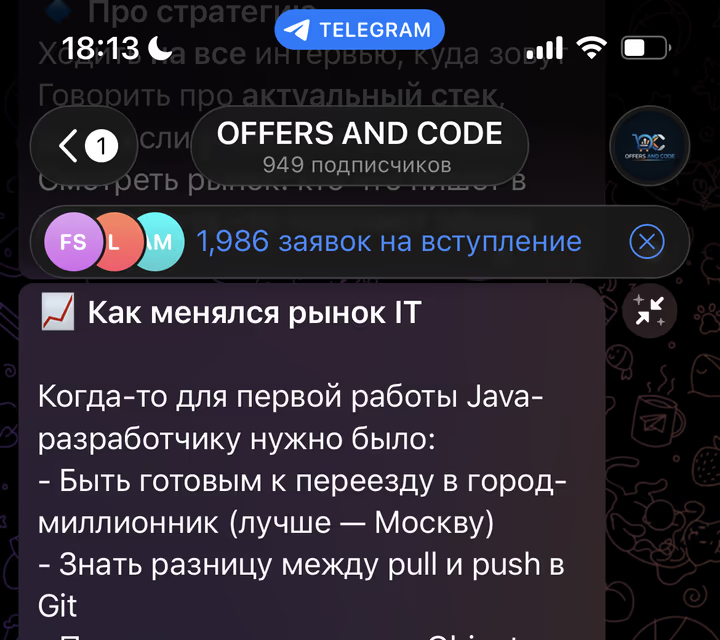
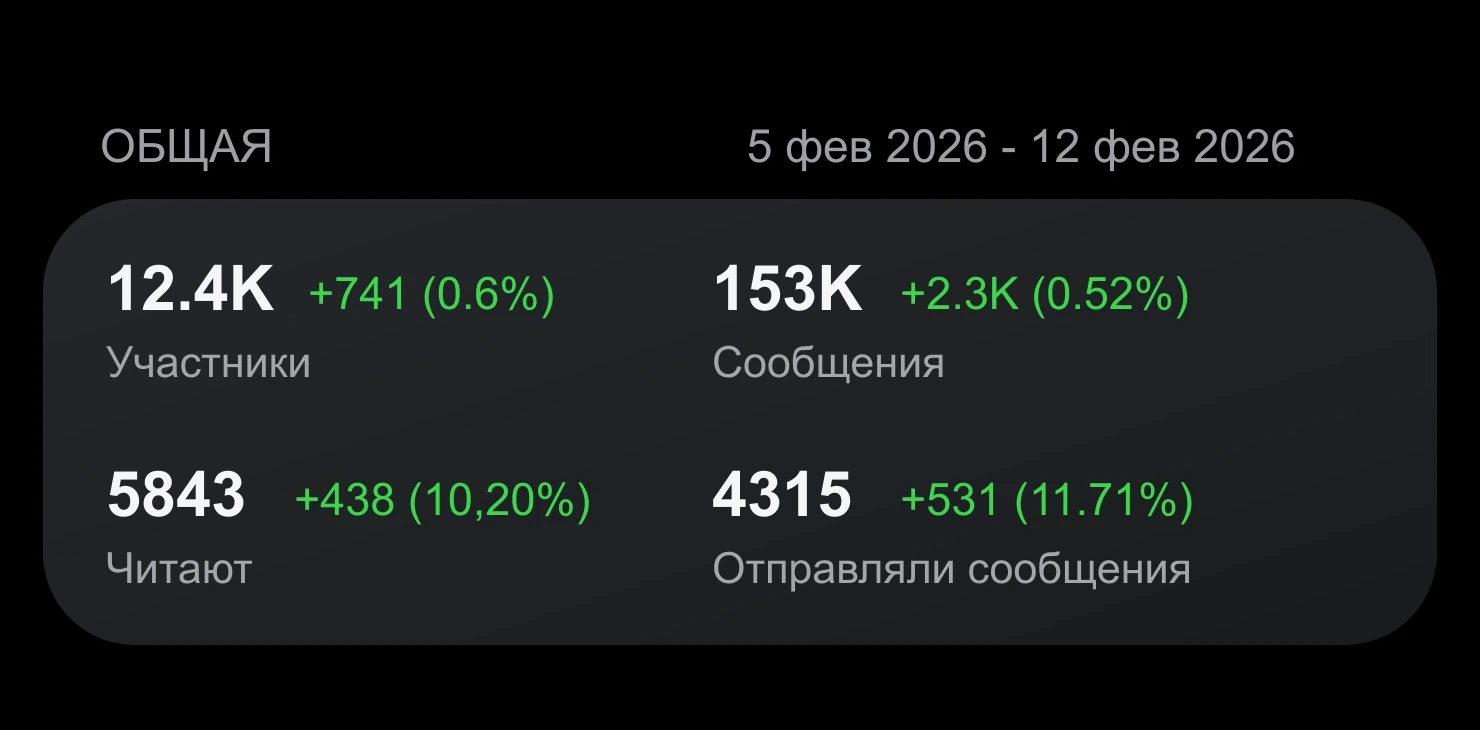
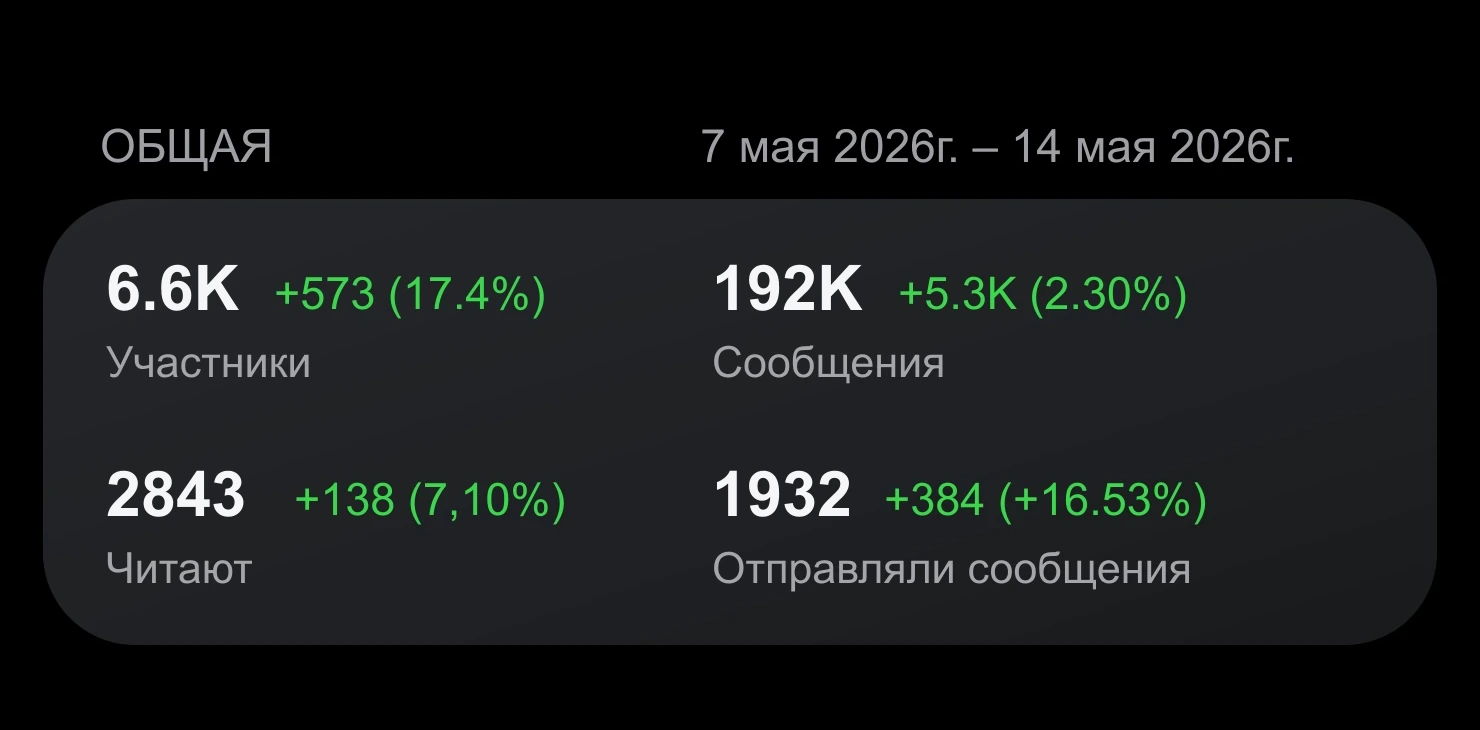
+200 members on day one. Users from related education communities were invited into a chat with a pinned course offer.
4 sources. Users came from IT and learning communities where the topic was already relevant.
+200 on day one. Invites were sent in smaller batches while Telegram responses were monitored.
Tgbusinesshub spreads actions across accounts and helps you keep a steady pace instead of scaling too sharply.
We help with setup, campaign checks, audience quality and technical questions before and after launch.
If a task behaves incorrectly because of a platform issue, we review the case and help you find the next step.
Use campaign patterns tested on real Telegram launches instead of starting every experiment from scratch.
Parsing and filtering tools are included, so you can prepare relevant audiences before promotion starts.
Choose the audience, accounts and action type, then run tasks without spreadsheets and repeated manual steps.
/ 30 days
/ 30 days
Describe your question, issue, or situation with the service. A support specialist will review the details and guide you on the next step.
Describe the issue so we can resolve it faster.
Regular and premium inviting, list preparation, and a safer launch pace.
Inviting means adding a selected audience to a Telegram channel or chat. You prepare a list, choose the target community and Tgbusinesshub runs the task while recording results.
Premium inviting is a way to send invites through an account with admin rights in the chat. It is useful for chats with restrictions.
Common reasons include privacy settings, missing usernames, Telegram limits, account quality, community restrictions or missing admin rights.
Accounts, proxies, and the chat itself.
It is useful for chats and early-stage channels that need to gather subscribers quickly.
It is better to invite only relevant users. The more accurate the audience, the higher the chance that people stay and become active.
This is normal: not everyone will fit the format, topic, or activity level of the chat. Good inviting is measured not only by joins, but also by retention.
Quality. Five hundred interested members are more valuable than five thousand random users with no activity.
Yes. The chat should have a description, a pinned message, and a clear topic so new members immediately understand the value.
If people already belong to similar communities, discuss your topic, or interact with related projects, the audience is warmer.
It depends on many factors. A safer volume is about 20-60 invites per day. It is better to work carefully.
Create a clear welcome message, a useful pinned post, regular discussions, and quick answers for new members.